In your own words
It doesn’t need a link.
Your pasta. Your tray bake. The dinner everyone calls something different. Give it a name and add the ingredients.
 All in Flavor
Good dinners deserve another night.
The regulars. The keepers. The recipe you saved somewhere. Bring them together, and find your next dinner.
Made for your household. An iPhone app in early testing.
Your collection, in your pocket
Actual app screens. Early build, shown with sample dinners.
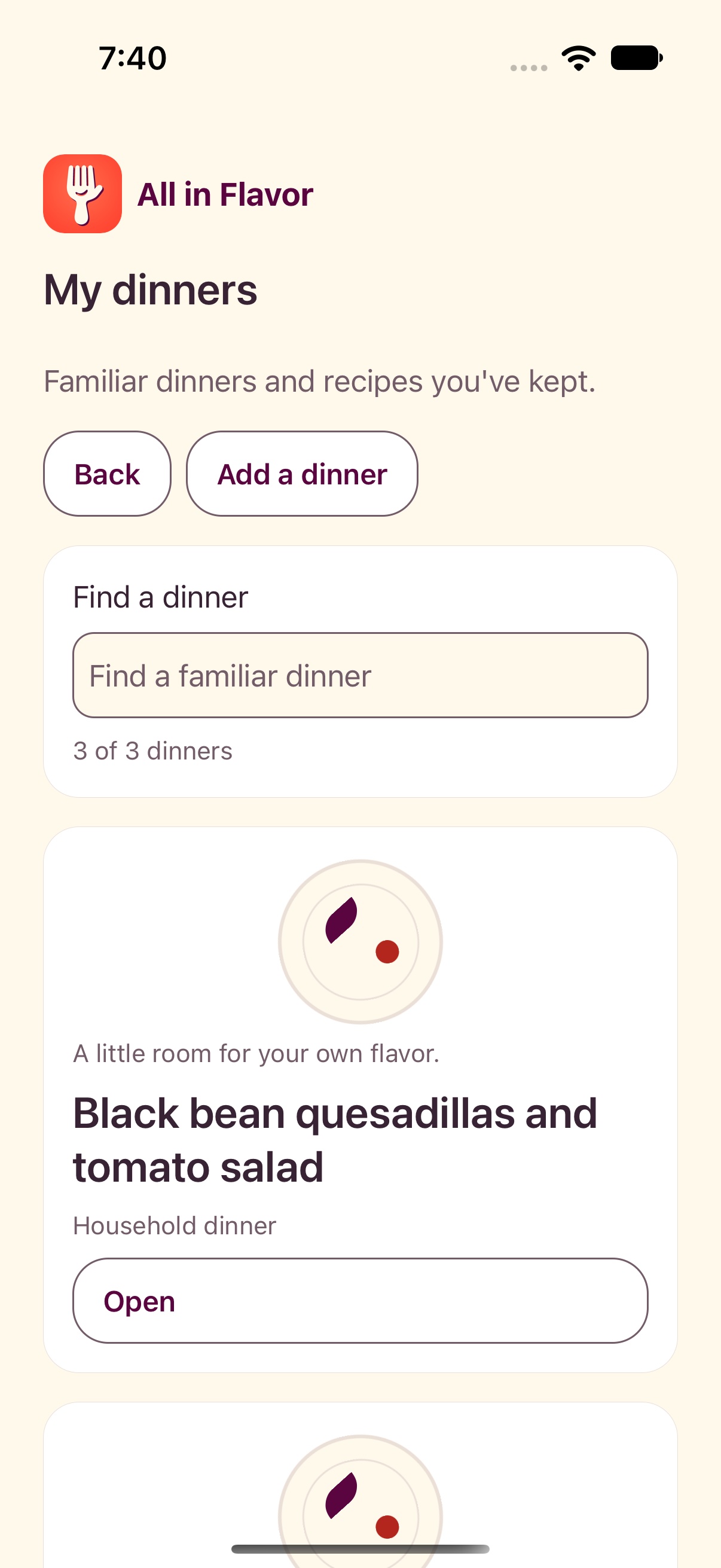
A collection of the dinners you want to come back to.
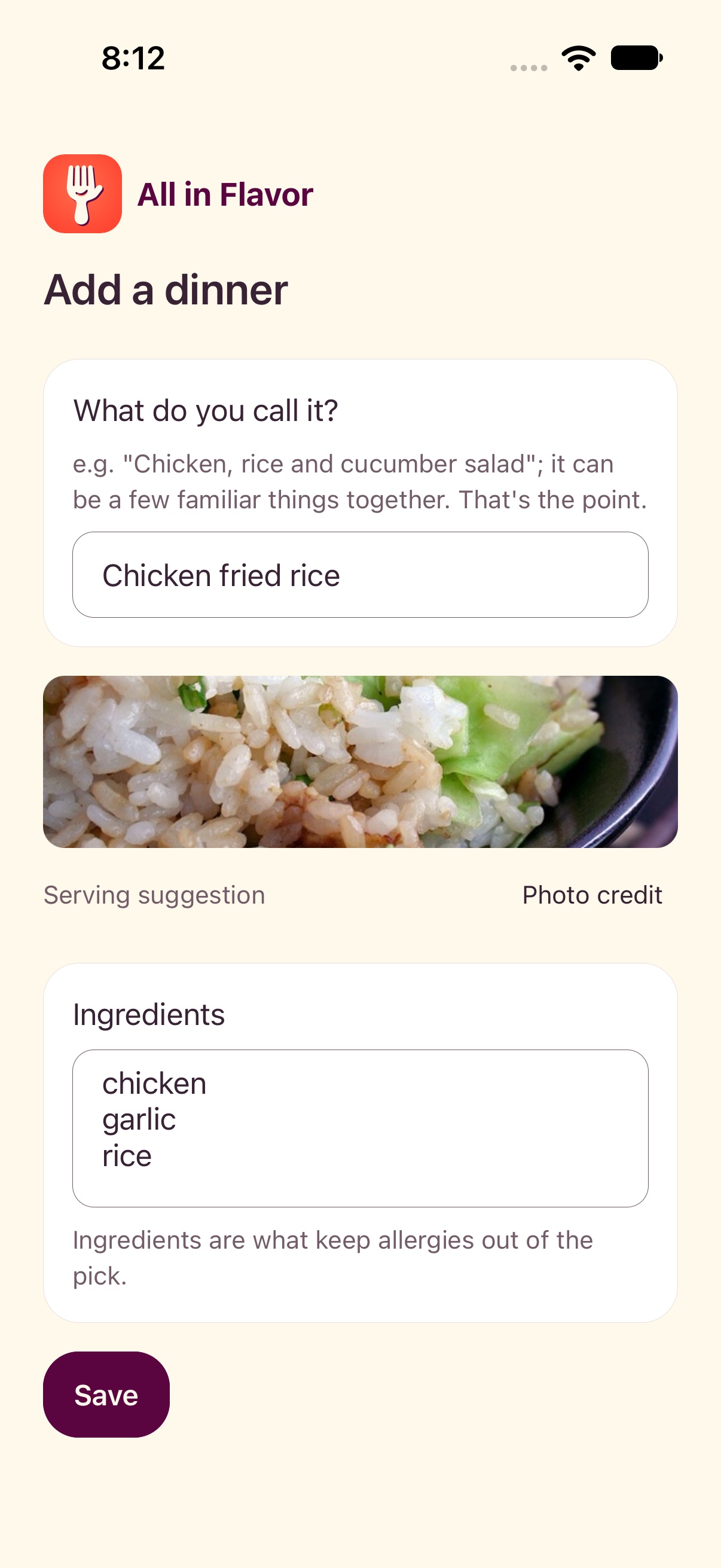
Name a dinner the way your household knows it.
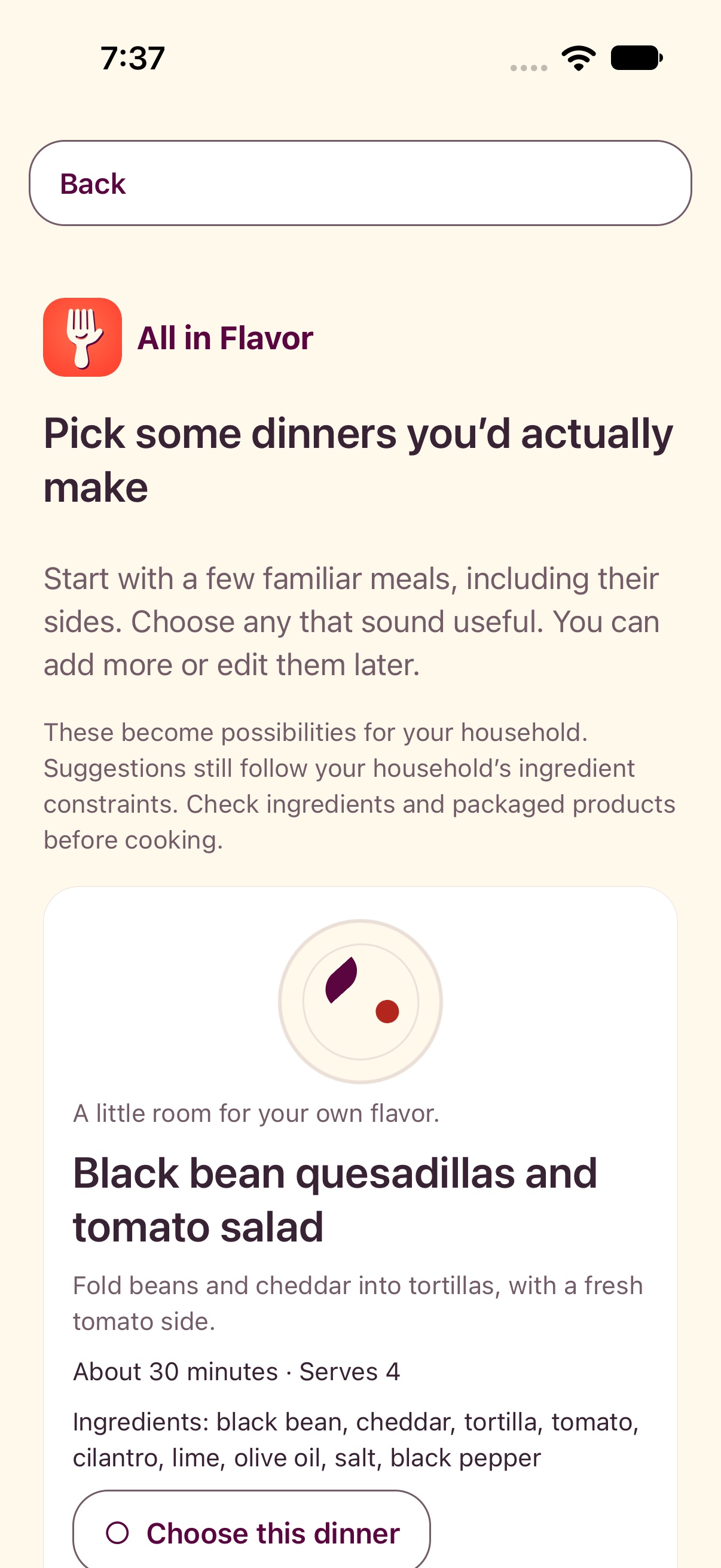
Browse starter dinners, then make them your own.
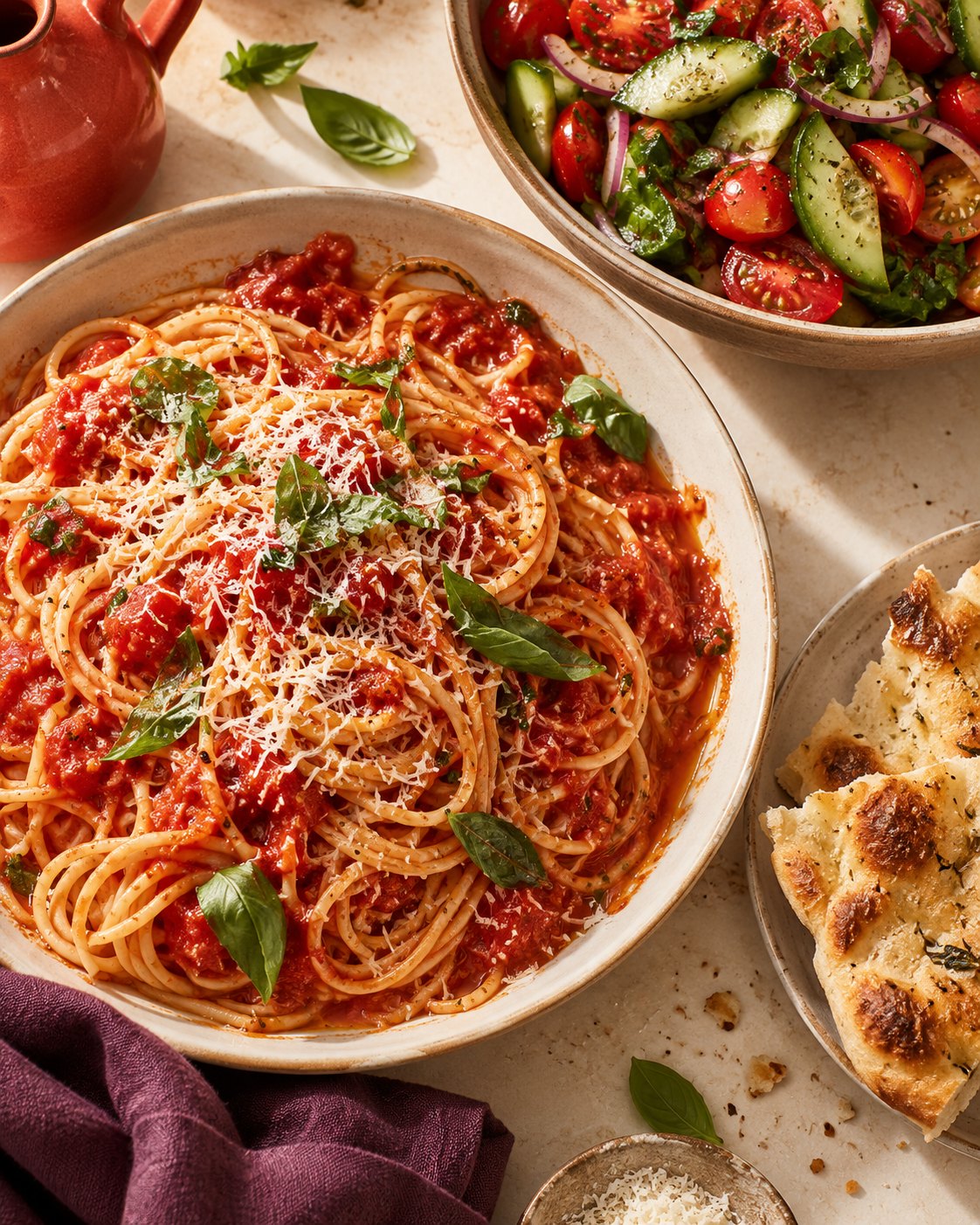
Food photos are serving suggestions. Your ingredients may be different.
A place for the dinners you actually make
Some dinners become regulars. Others live in a screenshot, a browser tab or the back of your mind.
All in Flavor gives them a place together. Build a collection around the way your household eats, then come back when it’s time to choose.
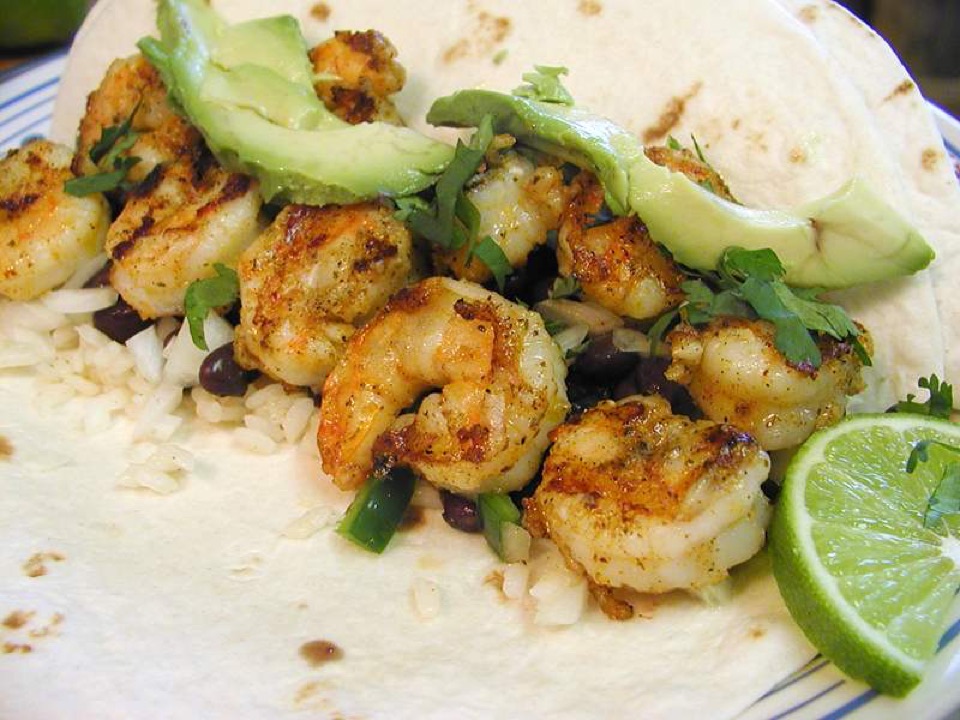
For the “we should make this again” pile.
No perfect recipe collection required.
A little taste
Start with familiar dinners, keep what fits, and make the collection your own.
This little sketch lets you browse three examples. In the app, your own saved dinners are the starting point.
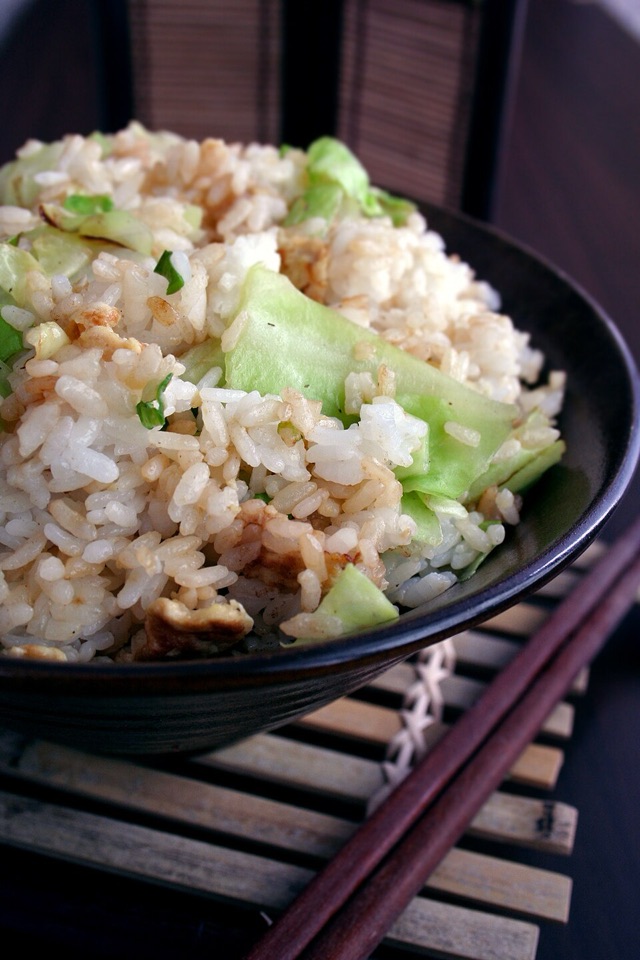
A familiar favorite
A regular worth keeping close.
Reference photos. Your ingredients may be different. Photo credits
The old favorites. The next favorites.
In your own words
Your pasta. Your tray bake. The dinner everyone calls something different. Give it a name and add the ingredients.
From “one day” to dinner
Save a recipe idea from the web. Supported recipe previews help you bring it into your collection, with an ingredient review before saving.
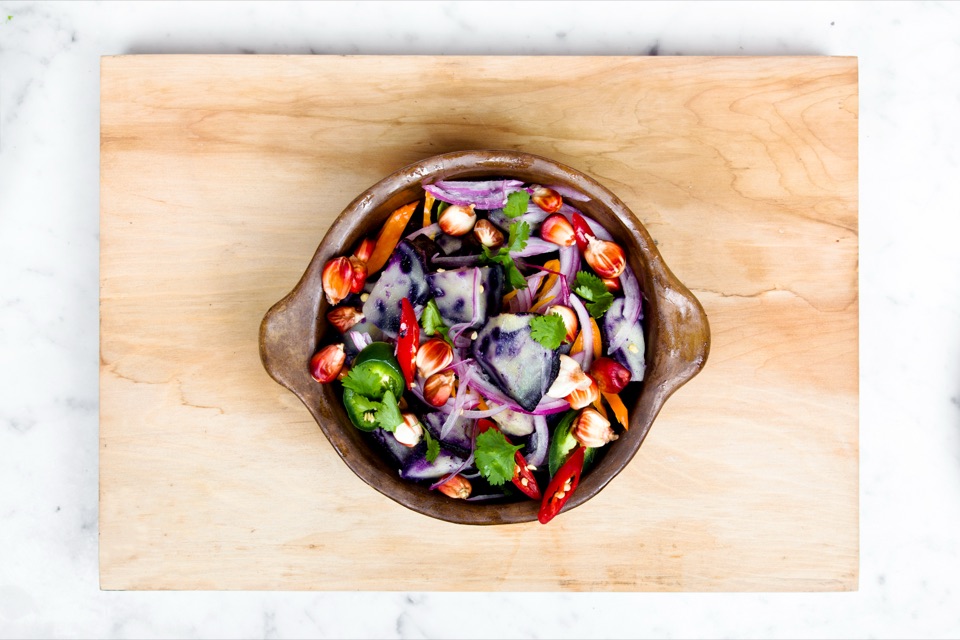
Somewhere to start
Pick from six familiar starter dinners, including their sides. Keep the ones you’d make and edit them for your household.
At our table
There’s no ideal way to eat. Start with what you make, what you want to try, and the people sharing your table.
Ingredient names and household allergy questions deserve attention. Review what you add. A recipe preview or a nice photo can’t verify allergy safety.
A dinner collection should help you find something to make. Familiar names, saved ideas and a choice you can change.
Before you pull up a chair
Yes. Name it in your own words and add its ingredients. You can also choose from six starter dinners and edit them.
You can save recipe links as meal ideas. Ingredient previews currently support RecipeTin Eats and Budget Bytes. Review the ingredient names against the source before saving a dinner to your household.
No. The app uses a small collection of licensed reference photos for matching dish names. They’re labeled “Serving suggestion,” and their ingredients may differ from yours. An unmatched dinner gets a simple graphic instead.
No. Household allergy questions and ingredient review are part of the app, but neither a preview nor a photograph verifies that a meal is safe. Check ingredients and product labels yourself.
All in Flavor is an iPhone app currently in early testing. There isn’t a public download yet. This page gives you a look at the idea while we work on it.
Keep the dinners worth making again.
All in Flavor
An iPhone app, currently in early testing.